16 Best Podcast Hosting Platforms for All Budgets (Free to Expensive)
Contents

Author
Steven Bonnard
Head of Marketing
Hi, I'm Steven. I'm a globe-trotter who loves running long distances and listening to podcasts, especially from the news, politics and fantasy categories.
Once you’ve got your content ready, where is your podcast going to live? All podcasts need to be hosted via an RSS feed in order to be distributed across platforms. There’s a lot of options out there, how do you choose where to host? We rounded up some of the best podcast hosting platforms out there to help you decide.
What Exactly is Podcast Hosting?
Podcast hosting is a service that stores and delivers your podcast files to various platforms. Just like YouTube or Vimeo hosts videos, a podcast needs a hosting platform to store and distribute its audio files to Spotify, Apple Podcasts, and the like.
Is having a podcast host actually necessary? Yes! Without a host, your show wouldn't have a home. Hosting platforms not only store your audio files, they also provide an RSS feed, which is basically an online catalog of your episodes that podcast directories use to send your content to your audience.
Also, hosting sites often offer additional benefits, like analytics to track your show’s performance and tools to aid in monetization. Choosing a reliable podcast hosting platform ensures your podcast's accessibility and reach.
What to Look for in a Podcast Hosting Platform
Several factors come into play when deciding which platform to go with, and each one can influence the success your podcast ultimately enjoys. Here are some things to consider:
Ease of Use: A user-friendly platform saves time and frustration. Look for an intuitive interface that lets you focus on creating content, not troubleshooting.
Cost: Free options exist but may have limits. Paid plans offer more storage, customization, and distribution tools—balance budget and features.
Storage Limits: Consider episode length and frequency. Choose a plan with enough storage to match your production schedule and episode length.
Audience Analytics: Growth requires data. The best platforms provide insights on listeners, engagement, and downloads to refine your content.
Distribution & Promotion: Your platform should seamlessly distribute to Apple Podcasts, Spotify, and YouTube while offering tools to market your show.
The Best Podcast Hosting Platforms: Our Top Picks
Here are our top choices for everyone. Each platform offers unique features tailored to different experience levels, so have a read to see which one best suits your particular needs.
1. Transistor.fm
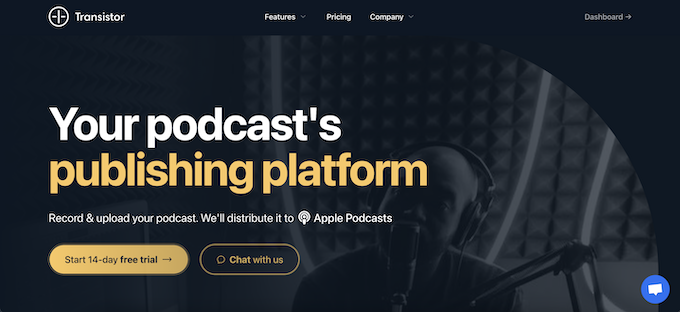
Transistor.fm offers a streamlined and intuitive experience for creators. It happens to be the one we use and always recommend to brands for hosting.
It’s an ideal choice for podcast agencies or anyone managing multiple shows as you can do so under one account.
Key features:
Host multiple podcasts under one account
In-depth analytics with valuable insights on downloads, listener trends, and audience platforms
Built-in customizable website for each hosted podcast, including domain integration and blog capability
User-friendly embedded player for easy integration on your website, providing direct access for listeners
Pros:
Known for its responsive and helpful customer service
Unlimited team members (significant advantage for larger teams or collaborations)
14-Day free trial
Cons:
No free plan, which can be a barrier for beginners or hobbyists with a limited budget
Transistor.fm doesn't have in-built audio or video editing tools
Pricing:
Paid plans start at $19/month or $190/year*
*12 months for the price of 10 when you pay yearly
2. RSS.com
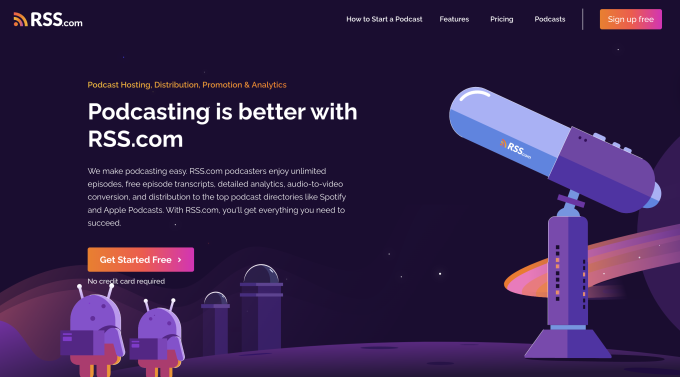
RSS.com provides a comprehensive and user-friendly platform for podcasters.. With an emphasis on simplicity and scalability, RSS.com is a great choice for solo creators and teams.
RSS.com allows creators to focus on producing great content without getting bogged down in technical details. From detailed analytics to seamless integration with major podcast directories, this is a great hosting platform built for growth.
Key Features
Enjoy unlimited storage, simple setup, distribution to top platforms like Spotify and Apple Podcasts, and AI-powered transcripts to boost visibility.
AI-powered transcript features let you convert podcast episodes into text in 14 languages to boost SEO, improve accessibility for all listeners, and expand your audience worldwide.
Access live, cross-platform data from major directories like Apple Podcasts and Spotify, track listener behavior and demographics, and compare episode performance with visual metrics to optimize your content and grow your show.
Convert your audio-focused episodes into engaging videos that are uploaded directly to your channel for YouTube podcasts.
Multi-user access and role-based permissions for easy management of your podcast.
Monetization features, with dynamic ad insertion, subscriptions, and listener donations via platforms.
Pros:
Free plan available, perfect for beginners
Excellent customer support with tutorials and a dedicated knowledge base
Advanced analytics to track audience engagement and trends
Cons:
Limited customization options for the built-in website
Dynamic ad insertion only available on paid plans
Pricing:
Free plan available, with paid plans starting at $15.99/month. or $11.99/month if you pay yearly*
*Plus, existing podcasters can migrate their shows to RSS.com and get a full six months of service for free: https://rss.com/switch/
3. Casted
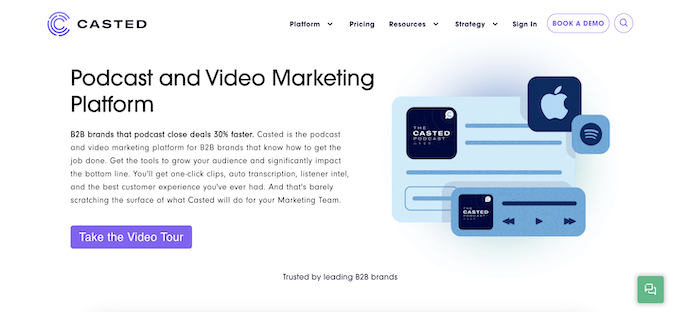
Casted is ideal for sales teams who want to track audience building and bottom-line impacting tasks. Featuring one-click clips, auto transcription, and listener intel, Casted is your go-to tool for surpassing your marketing team's goals.
Key features:
Podcast hosting and extensive content leverage tools
Full transcription services to transform your audio content into written format
In-depth analytics and data insights to understand your audience better
Quick clip creation for easy promotional material
Enhanced collaboration tools, catered towards marketing teams
Pros:
Great for marketing teams with an emphasis on content repurposing
Offers transcription services (not all podcast platforms do)
Excellent customer support with online chat available
Cons:
Pricing is higher than other platforms (although you also get a lot more)
Pricing can also be confusing (they even admit as much on their homepage)
Lacks some traditional podcasting features, like built-in recording or editing tools
Pricing:
Price plans start at $1,000 per month
4. Podbean
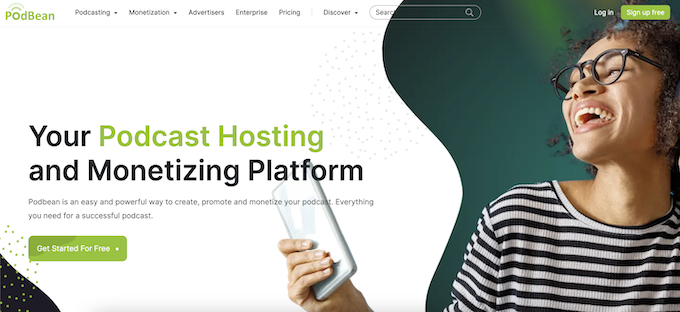
Podbean is known for its reliability, and user-friendly interface. What it’s really great for in fact, is private podcasting. If security is important to you they have SSO and features to create, host, and manage a private internal show.
Key features:
Reliable and user-friendly interface for easy podcast management
Unlimited storage and bandwidth for worry-free publishing
Monetization options include dynamic ad insertion and subscriber-only content
Detailed analytics to gain insights into your listener base for informed content decisions
Private Podcast features and capabilities for companies
Pros:
Excellent track record and customer service
Regular feature updates
Intuitive, user-friendly interface for easy podcast management
Free basic plan for beginners
Cons:
The free plan has limited features (to be expected)
Advanced features are reserved for more costly plans
Lower-tier plans allow only one podcast channel per account
Pricing:
Free plan with limited features
Paid plans start at $12/month or $9/month if purchased annually
5. Buzzsprout
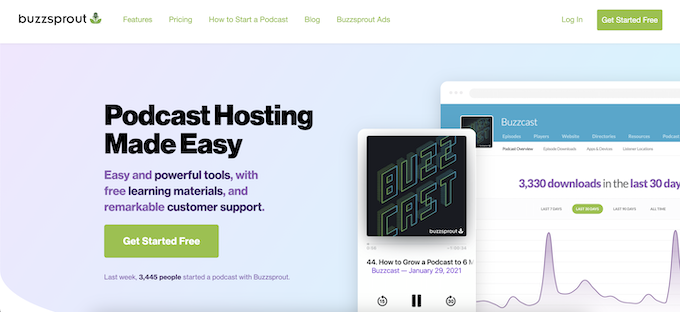
Buzzsprout is a good podcast hosting platform if you are just starting out. It’s very straight-forward and affordable.
With automatic episode optimization, seamless distribution to major podcast directories, and engaging podcast website templates, Buzzsprout makes the whole distribution process intuitive and easy.
Its detailed analytics provide insights into your listener base, helping you understand and cater to your audience better.
Key features:
User-friendly platform for easy podcast management
Automatic optimization of podcast episodes
Engaging podcast website templates for customization
Detailed analytics for insights into listener demographics and behaviors
Pros:
Free tier (perfect for beginners or hobbyists)
Excellent customer support with useful resources and tutorials
Regular feature updates based on user feedback and industry trends
Cons:
Buzzsprout's basic plan only stores your content for 90 days
No built-in recording or editing tools within the platform
Does not support video podcasts
Pricing:
Free plan with limited features
Paid plans start at $12/month
6. Riverside
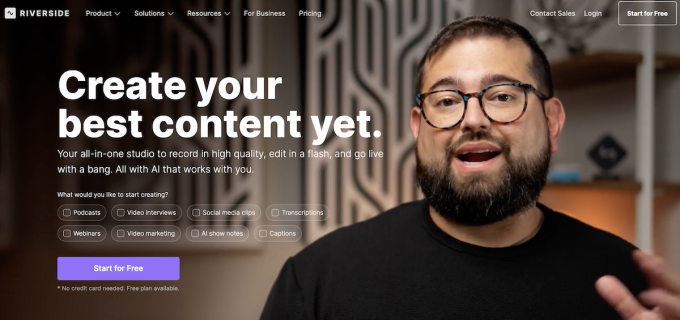
Riverside has long been known for its studio-quality remote recording, and now it’s an all-in-one podcast hosting platform too. With Riverside Hosting (currently in beta), creators can record, edit, host, and publish their shows seamlessly without leaving the platform. It’s ideal for creators who want high production quality and an integrated workflow from start to finish.
Key features:
Host and distribute your podcast directly from Riverside to Spotify, Apple Podcasts, and YouTube
Built-in recording and editing tools for both audio and video podcasts
Automatic RSS feed generation for easy distribution
Advanced analytics to track audience performance and episode stats
Import existing shows or upload new ones with a few clicks
Integrated publishing workflow from recording to release
Pros:
True all-in-one platform for recording, editing, and hosting
High-quality audio and video recording in 4K and lossless audio
Simple publishing workflow and cross-platform distribution
Great for video podcasters who want to publish to YouTube directly
Professional-level analytics built in
Cons:
Hosting feature is still in beta and gradually rolling out
Fewer monetization tools compared to more established hosts
Limited to paid plans (no free tier for hosting yet)
Pricing:
Available on Pro, Live, Webinar, and Business plans. Pricing starts at $15/month (billed annually), with hosting included in eligible tiers.
7. Captivate
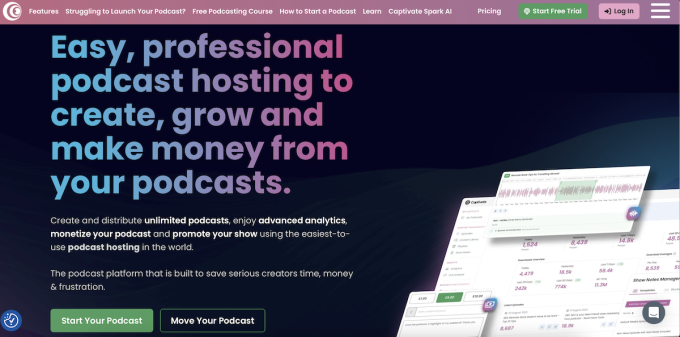
It's got a user-friendly interface, advanced analytics (it was the first IAB 2.1-certified host), and monetization tools. Additionally, Captivate allows users to create multiple private podcasts on any plan. It can also integrate with various marketing tools to enhance audience engagement and growth. You also can find an AI-assistant with Captivate to help you write and plan future episodes, or transcribe and promote past ones.
Overall Captivate does explore a lot of new podcasting features, so if you are a podcast nerd, then you may have fun checking out what they’re offering.
Key features:
Users can enjoy unlimited storage, allowing for extensive content creation without additional costs related to hosting multiple shows.
In-depth analytics, including unique listener data, geographic insights, and episode performance comparisons. Another feature is that it is IAB-certified at the highest level.
Dynamic ad insertion, allows podcasters to insert ads into their episodes retroactively, in bulk, or episode by episode.
An integrated guest booking platform that simplifies scheduling interviews with external participants, complete with customizable availability and rescheduling options.
AI Podcast Assistant - Captivate Spark to help write notes, transcribe, and suggest ad markers.
Pros:
Offers unlimited podcasts, storage, and team members across all plans
Provides comprehensive analytics without hiding features behind paywalls
Includes built-in tools for memberships, dynamic ad insertion, and tipping
AI Assistant to help with admin tasks and future episode planning.
Cons:
The extensive features may require time to fully understand and utilize
While unlimited in other areas, costs can increase if you’re consistently getting above 150,000 downloads per month.
Some directories like Apple Podcasts require manual submission
Pricing:
Price plans start at 17EUR/month. This includes full and unlimited feature access. However, it will increase if you are regularly exceeding 150,000 downloads per month.
8. Megaphone
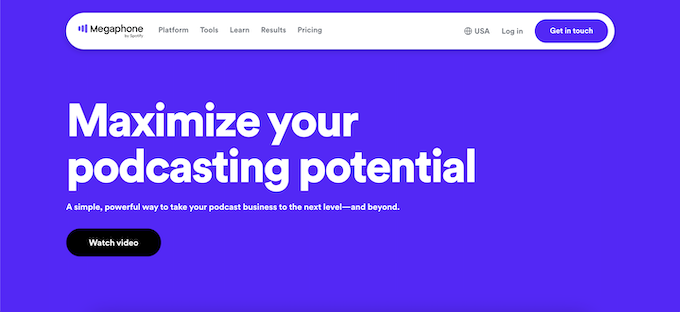
Acquired by Spotify in 2018, Megaphone is a major player in the world of podcast advertising and publishing. High-end and expensive, it’s a favorite among brands and big media companies due to its dynamic ad insertion tech.
Megaphone isn't for the casual podcaster, its services are designed for larger scale shows that average 20,000 episode plays per month or more. But for those serious about monetization, it's a worthy contender.
Key features:
Efficient podcast management system for both individual creators and teams
Comprehensive analytics and reporting to track your podcast's performance
Monetization opportunities through its targeted marketplace, offering dynamic ad insertion technology
Embeddable media player to help users share content across social media and other platforms
Pros:
Sleek and easy-to-use interface
Fast and dependable customer service with live chat support
Cons:
No free plan, and it doesn’t appear to offer a money-back guarantee either
Not open to all creators: Megaphone is currently an exclusive platform
Pricing:
Price plans start at $99/month
9. Spotify for Creators
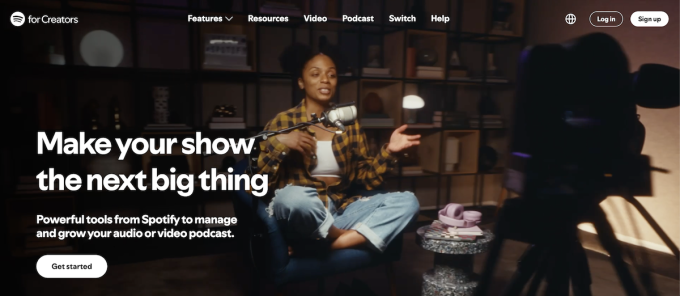
Spotify for Creators is a free and comprehensive podcast hosting platform that makes it easy to create, distribute, and monetize podcasts.
Spotify for Creators supports audio and video content to add another layer of creativity to your podcast. It also includes analytics tools to help you track the performance of your podcast.
Key features:
Free hosting and unlimited storage and bandwidth
Customizable embedded audio player
Easy-to-use recording and editing tools within the app
Sponsorship integration for straightforward monetization (within the U.S. only)
In-app analytics tools to understand listener demographics and behavior
Basic community engagement features
Video integration
Pros:
Free and easy to use
Cons:
Limited analytics compared to other platforms
The monetization feature is currently limited to the U.S.
Audio quality is lower than some other podcast hosting platforms
You own your content, but Spotify reserves the right to use it at its own discretion
There are limits in terms of how much you can upload in one sitting (250 mg)
Pricing:
Spotify for Creators is 100% free to use
10. Simplecast
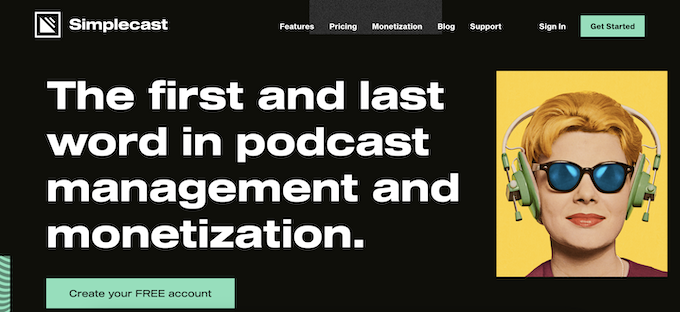
Simplecast has been around for a while and proven to have a great commitment to quality.It’s a favorite among professional podcasters and brands in need of a powerful podcast hosting platform.
If you need to collaborate with a team or want to create private podcasts, Simplecast is worth considering. The platform's user-friendly interface, excellent support, and powerful publishing tools make it a go-to for many podcasters
Key features:
User-friendly interface for easy podcast management and distribution
Robust analytics to gain insights on listener demographics and episode performance
Customizable podcast website with options for branding and domain integration
Integration with popular marketing tools like Zapier and Mailchimp
Advanced features such as private podcasting and team collaboration
Recast: a tool for creating and sharing short clips from your episodes on social media
Pros:
Top-notch customer support with prompt responses
Regular updates and improvements based on user feedback
Simple and straightforward migration process from other hosting platforms
Integration with various third-party platforms and services for enhanced functionality
Scalable plans to accommodate podcast growth and changing needs
Cons:
Pricing is higher than some other podcast hosting platforms
Video isn’t supported, so if that’s your angle you should look elsewhere
There’s no free plan but Simplecast does offer a 14-day free trial (no credit card required)
Pricing:
Price plans start at $15/month
11. Libsyn
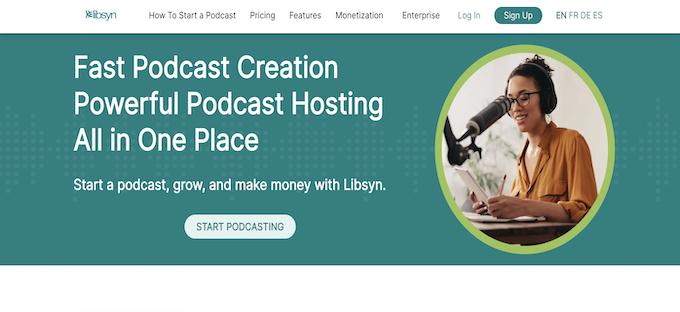
Libsyn has been around since 2004. It’s pretty simple as far as design, but it's known for its reliability, comprehensive set of features, and excellent customer support. This veteran of the podcast hosting world continues to deliver.
All plans include distribution to popular apps like Apple, Spotify, , as well as access to monetization via ads or subscriptions. You'll benefit from FTP uploads, dark mode publishing, faster publishing with episode defaults, and unlimited storage of text snippets. Plus, audio and video podcast players that you control and always own.
Key features:
Unlimited storage and bandwidth
Customizable embedded audio player
Comprehensive analytics for insights on listener demographics and episode performance.
Options for direct monetization through sponsorship, partnerships, and more
Team management tools
Ability to create and manage multiple podcasts
Built-in podcast recording and editing tools
Customizable podcast website with branding and domain integration
Pros:
Reliable and easy to use
Variety of plans to cater to different podcasting needs
Excellent customer support with a vast reservoir of resources and tutorials
Cons:
The interface is considered less user-friendly compared to other platforms. (Or maybe it’s just dated?)
There's no free plan available, although they do have affordable starting options
Pricing:
Price plans start at $7/month
12. Castos
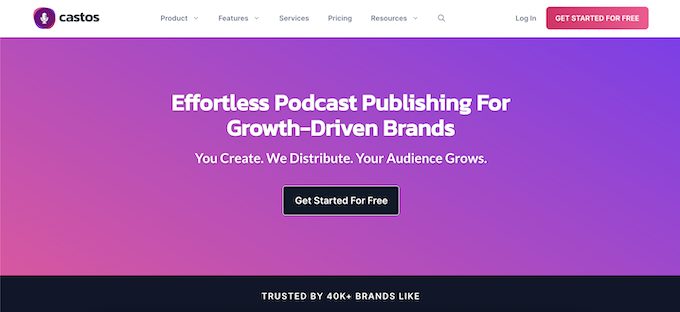
Castos is a podcast host known for their seamless integration with WordPress through their Seriously Simple Podcasting plugin makes it an attractive choice for WordPress users.
Castos offers unlimited podcast hosting for one fixed price, giving peace of mind to those who have larger files or publish more frequently. They also provide detailed analytics, so you can track your podcast's progress and make informed decisions.
Key features:
Unlimited hosting for both audio and video podcasts
Seamless integration with WordPress via Seriously Simple Podcasting Plugin
Automatic episode transcription services for accessible content
Advanced analytics to understand listener demographics and episode performance
Customizable podcast website with domain name integration
In-built podcast recording and editing tools
Monetization options through ad placements and sponsorships
Pros:
Straightforward pricing with unlimited uploads
Perfect choice for WordPress users
Offers both audio and video podcast hosting
Cons:
Lacks some of the advanced features available on other platforms
No free hosting option available
The analytics could be more detailed and comprehensive
Customer support isn't always as responsive or as fast as some of the bigger platforms
Pricing:
Price plans start at $19/month or $190/year
13. CoHost
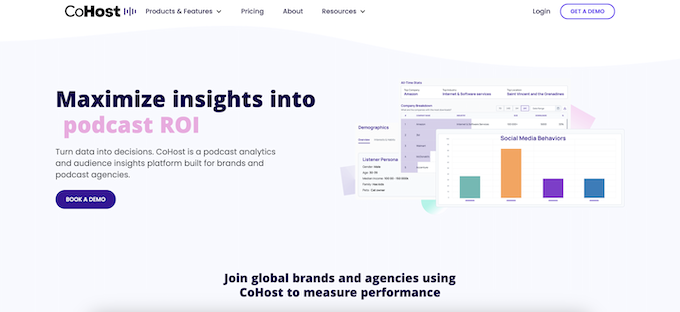
CoHost is a podcast host, but more than that it’s also a great audience insights tool.
With its strong emphasis on growth, analytics, and discoverability, CoHost is great for those who really want in-depth metrics and analytics. B2B podcasters will appreciate having access to company listening data, episode comparison data, and other B2B-specific features.
Key features:
Secure and reliable podcast hosting, with unlimited storage and bandwidth
Variety of tools to help you grow your podcast audience, such as embeddable players, social media sharing tools, and email marketing tools
In-depth analytics on your podcast listeners, including demographics, listening behavior, and social media engagement
Pros:
User-friendly interface (makes it easy to manage your podcast, even if you are a beginner)
Lots of features specifically designed for B2B podcasters
Cons:
No free plan
Lite paid plan is very light on features
Some reviews say that customer support is slow to respond
Pricing:
Plans start at $34/month with yearly and monthly subscriptions available

14. Blubrry
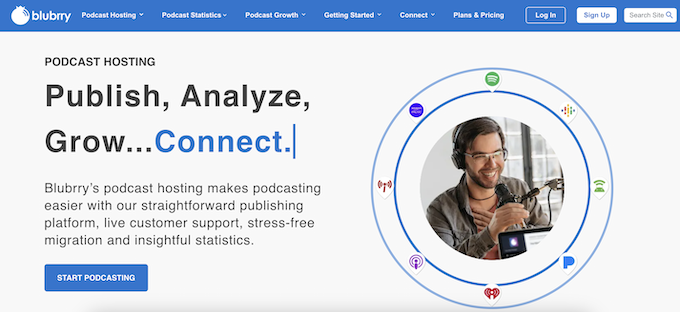
Blubrry is a good option for podcasters of all types, but it's a real win for those on a budget. With its affordable paid plans and a feature-rich free plan, Blubrry offers a cost-effective solution without compromising on functionality.
It also has a WordPress integration like Castos, if that is something you’ll definitely need for your show.
Key features:
Unlimited storage and bandwidth
Customizable embedded audio player
Seamless integration with WordPress through the PowerPress plugin
Detailed stats and analytics
Free WordPress website with podcast hosting
No-fault hosting–extra storage for those months when you need it
Monetization options, such as dynamic ad insertion and subscriptions
Pros:
Affordable pricing
Excellent customer support and service
Cons:
No free plan but they do offer the first month free
Pricing:
Price plans start at $12/month or $120/year
15. Acast
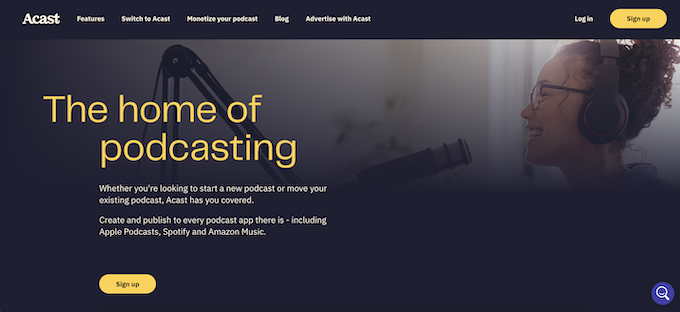
A leading podcast hosting and monetization platform, Acast empowers podcasters to reach their audience and generate revenue through advertising.
This is a great podcast host to tap into their extensive network of advertisers. The capabilities to partner with other popular shows also make it an attractive choice for those looking to maximize their show’s full potential.
Key features:
Embedded audio player
Dynamic ad-insertion technology for effective monetization
Advanced analytics to track and understand listener behavior and demographics
Ability to create and manage multiple shows
Integration with popular marketing and productivity tools
Customizable podcast website with branding and domain integration
In-built recording and editing tools
Direct listener support via Patreon integration
Unlimited storage and bandwidth
Pros:
High-quality ad management and monetization opportunities
Detailed and comprehensive analytics
Free 14-day trial
Easy-to-use platform
Good customer support
Cons:
Dashboard and analytics can be overwhelming for beginners
More expensive than some of the other platforms
Pricing:
Free Starter plan available
Paid plans start at $14.99/month
16. Spreaker
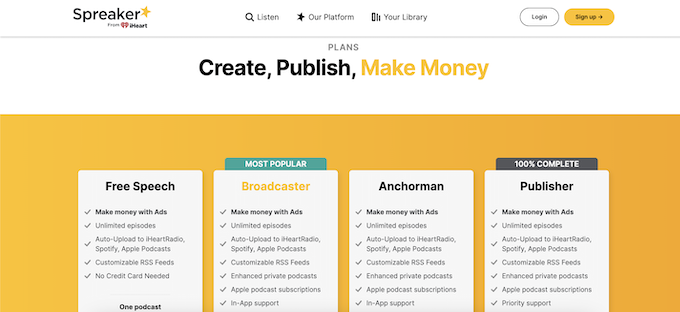
Spreaker is another simple but cost-effective and feature-rich podcast hosting platform. It’s especially good for those looking to take advantage of live podcasting.
This feature allows podcasters to interact with listeners in real-time, create a sense of community, and even take live calls.
Key features:
Live podcasting and interaction with listeners
Integration with popular social media platforms for easy sharing
Built-in podcast recording and editing tools
Comprehensive analytics to track and understand your audience
Monetization options such as dynamic ad insertion and subscription services
Create and organize multiple podcasts with one account
Ability to strategically adjust the ad insertion rate for each episode and show
Manage teams and collaborate with additional members
IAB-certified statistics
Pros:
Offers live podcasting capabilities
Free plan available
User-friendly interface
Cons:
Limited storage on lower-priced plans
The free version has limitations on the number of audio hours you can upload
Limited customization options for the embedded player
Pricing:
Free plan available
Paid plans start at $20/month
Find the podcast hosting platform you needed?
To sum it up, all these podcast hosting platforms have great features that will let you upload your show and distribute it. When it comes to choosing one you need to consider how many episodes and shows you’ll manage per month, what your budget is, and if you’ve got any other particular needs.
We love Transistor.fm for our own agency, and for brands we work with. But if you’re looking more for monetization features, check out Megaphone and Acast. If it’s private podcasting you’re after, then PodBeanPro is a great one to consider.
And if really, you really just need the basics to distribute, check out Spotify for Creators, RSS.com, or Buzzsprout.


![How to Promote a Podcast [2026]: Podcast Marketing Strategies](/img/containers/main/img/podcast-promotion-guide/grow-your-listener-numbers.jpg/4c317a14ed1abd3ccb89ffeabd2c8049/grow-your-listener-numbers.webp)
