Contents
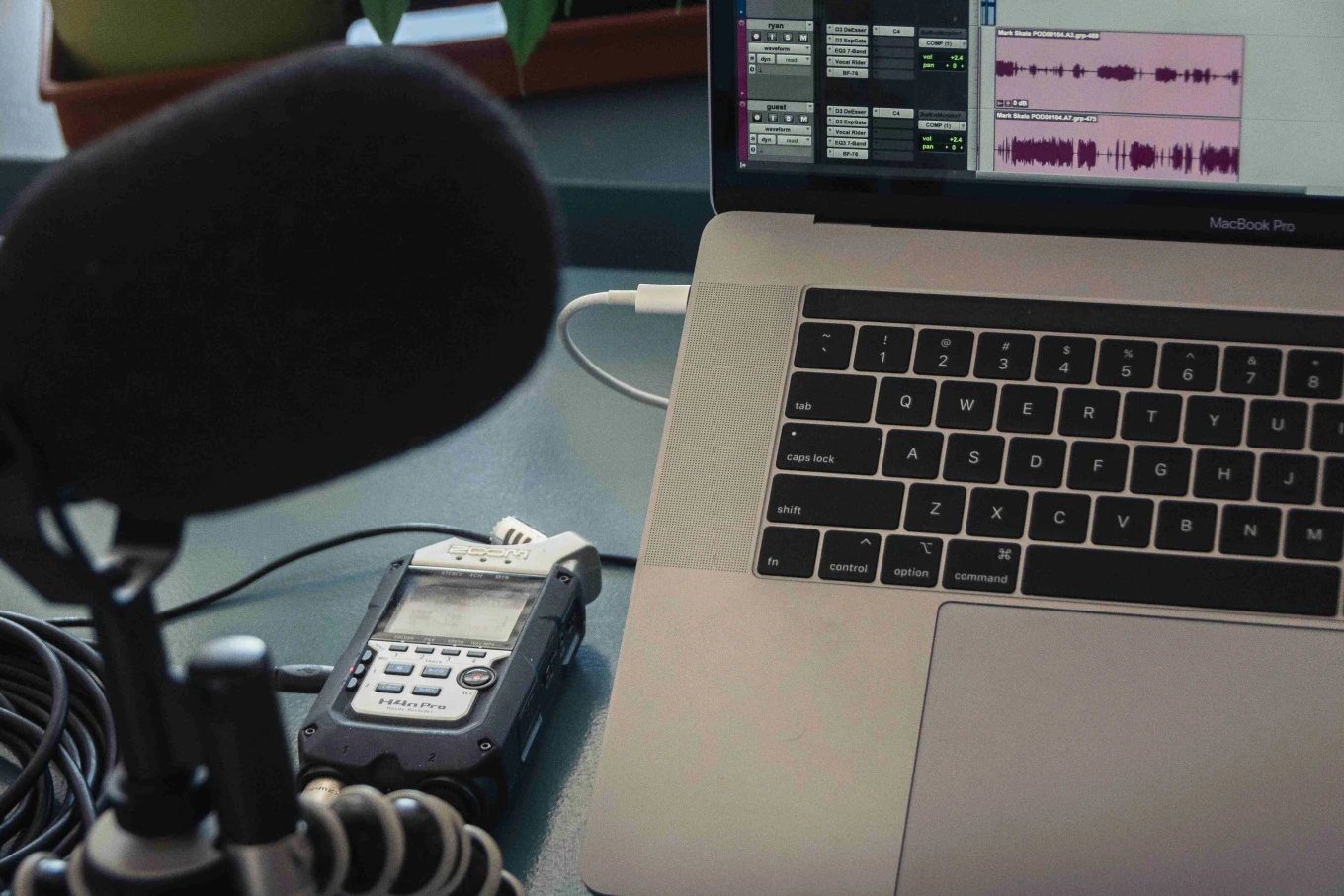
You know, we all reach a point where a little voice says “Maybe you should get a mixer.” (It’s us, we’re that voice, and the moment is now). For some shows, a podcast mixer is a game changer. And ok, in all honestly, for others, it’s an unnecessary piece of gear that complicates your setup. The trick is knowing which camp you’re in.
So think about your show right now. If you’re already recording live with multiple guests, mixing remote audio, or you want more control over your sound, a mixer can help improve your production. Let’s break down what a mixer actually does, when it matters, and how to choose the best podcast mixer for your show.
What Exactly Is a Podcast Mixer?
A mixer is the piece of podcast equipment that manages and shapes multiple sources of audio before it reaches your editing and recording software. (Not all mixers record! It’s a step of audio refinement before it gets to the recording.) It’s a bit like your control panel. It handles levels, EQ, inputs, headphone mixes, and sometimes onboard processing.
In simple terms, a mixer lets you fine-tune voices and devices in real time so your recording sounds better before you even press save.
People often confuse mixers with audio interfaces. An interface converts your analog sound into a digital signal for your computer. A mixer lets you adjust and blend those signals. Some devices combine both, which is why shopping for a podcast equipment mixer gets confusing fast.
Do You Actually Need a Mixer for Podcast Recording?
No, not everyone needs one. Plenty of podcasters stick with a go-to USB microphone and call it a day. The moment a mixer becomes helpful is when your workflow gets more complex.
A mixer makes sense if:
You record with multiple inputs like mics or guests in the same room or want to add in instruments, or even a phone.
You want more control over levels, EQ, tone, or real-time cleanup
You mix music or sound design live
You need a reliable hardware setup instead of depending on software alone
You want a consistent, professional-sounding chain every time you hit record
One of the best examples is if you think about podcast interviews à la Joe Rogan. As much as we hate to use it as an example, we know you’ve probably seen at least one clip. Joe often has one or more guests for a live interview. This is the situation you want a mixer in. This keeps everyone balanced, and it avoids the problem where it sounds like one person is whispering while someone else is shouting.
One thing to keep in mind is that running a mixer takes a bit of skill. In radio studios, there’s usually a dedicated person riding faders and keeping everything balanced in real time. When you’re a solo creator, you’re both the talent and the engineer. That means there’s a learning curve. You’ll either need to practice until it feels natural or bring in an extra set of hands during recording so you’re not tweaking knobs while trying to hold a conversation.
What to Consider When Choosing a Mixer for Your Show
Before you buy anything, take a minute to think about how you record.
1. Inputs and Channels
Count how many microphones you use. Then add one extra. A mixer with too few channels restricts you. A mixer with too many drains your budget. If you ever think you’ll have 2 or more guests, or invite a co-host on, opt for a 4 channel podcast mixer.
2. USB or Standalone
Some mixers connect directly to your computer through USB. Others act as purely analog devices. With a USB, you plug your microphones into the mixer, then plug the mixer into your laptop with a USB cable. Your recording software (Riverside, Audition, Logic, etc) treats the mixer like an audio interface.
A Standalone mixes sound, but it does not send digital audio to your computer out of the box. To get your audio recorded, you need another device like an audio interface or a recorder. You might choose this if you have a set up it fits into, or you want more direct control on every input.
3. Built-In Processing
Some mixers include compression, EQ, noise gates, and effects. These tools can clean up your voices in real time, which keeps your editing lean.
4. Portability
If you record in the office one day and a guest studio room the next, weight and durability matter. Desktop mixers are great for a fixed studio. Portable mixers make life easier on the move.
5. Ease of Use
There are mixers that can run a live radio station, and mixers that make podcasting simple enough for a first-timer. Choose the one that matches your comfort level, and that you feel good learning on. A mixer should make your life easier, not more stressful.
The Best Podcast Mixers We Recommend
These are the mixers we see podcasters succeed with most often. They’re reliable, easy to work with, and built for spoken-word recording.
Rode Rodecaster Pro II
This one is definitely a favorite for podcasting. It has multiple mic inputs, onboard processing, customizable pads, clean preamps, Bluetooth connectivity, and easy multitrack recording. A great all-in-one device for beginners and pros.
You get studio-ready audio with almost no learning curve.
Zoom PodTrak P4
This is the most budget-friendly audio mixer for podcast recording that still gives you proper control. Four XLR inputs, individual headphone outputs, onboard sound pads, and simple USB connectivity. The Zoom PodTrak P4 is small, travel-friendly, and delivers great quality for the price.
Focusrite Vocaster Two
The Vocaster isn’t a traditional mixer. There are no rows of faders, no EQ knobs, no aux sends, and no big control surface to shape each input. Instead, it behaves more like a streamlined audio interface built specifically for podcasters.
You get clean Focusrite preamps, automatic gain setting, simple voice-enhancement presets, loopback for remote interviews, and easy routing to your software. It handles the technical work behind the scenes, without requiring you to know how to operate a full board.
This makes it ideal for beginners looking for pro-level sound.
So, Which One Should You Choose?
If you want simplicity, look at USB-based mixers or all-in-one devices. If you like hands-on control and plan to grow into a multi-mic setup, invest in a mixer with enough channels and reliable preamps. And if portability matters, choose something compact that still gives you the control you need.
A mixer isn’t required for every show. But if you’re aiming for consistency, clean audio, and a workflow that scales with your ambition, a podcast mixer can be one of the smartest upgrades you make.


